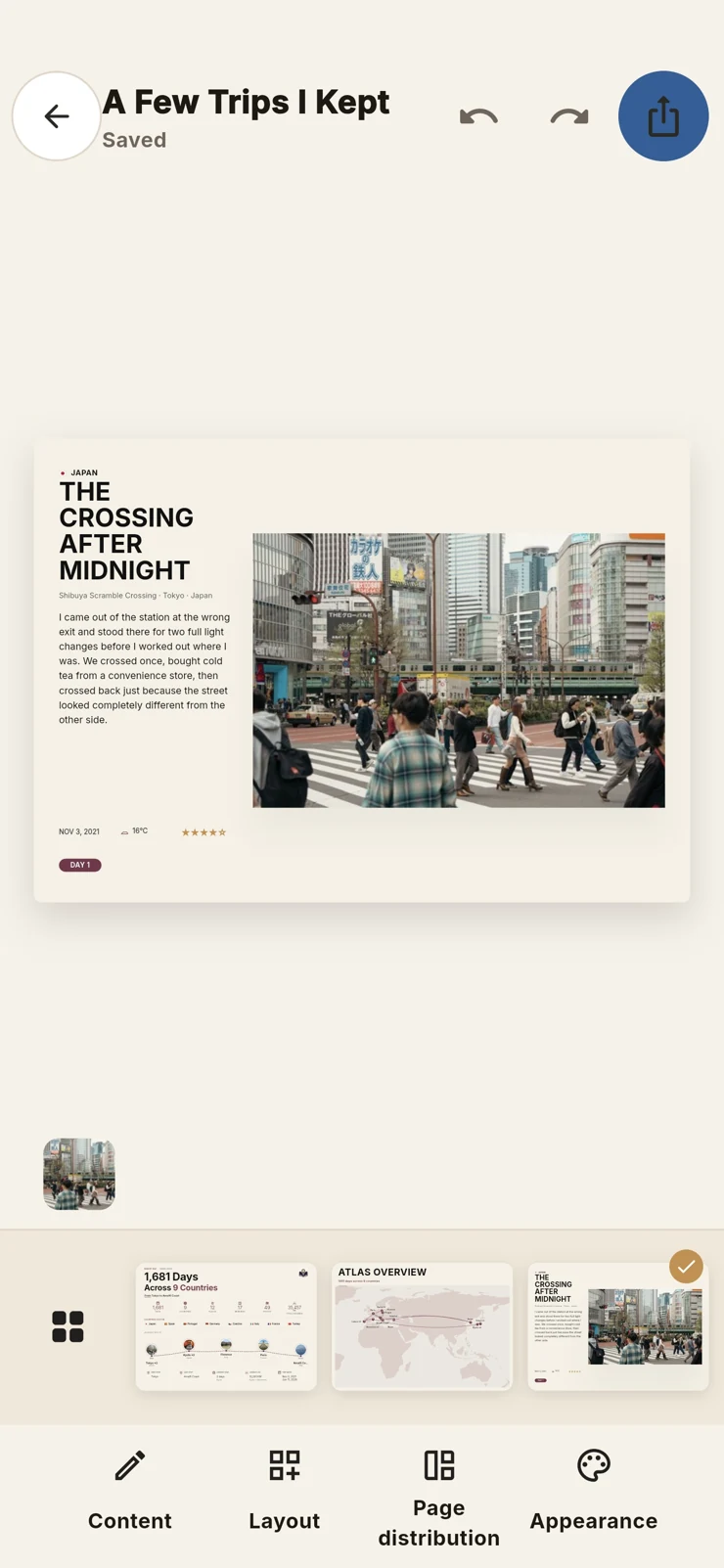
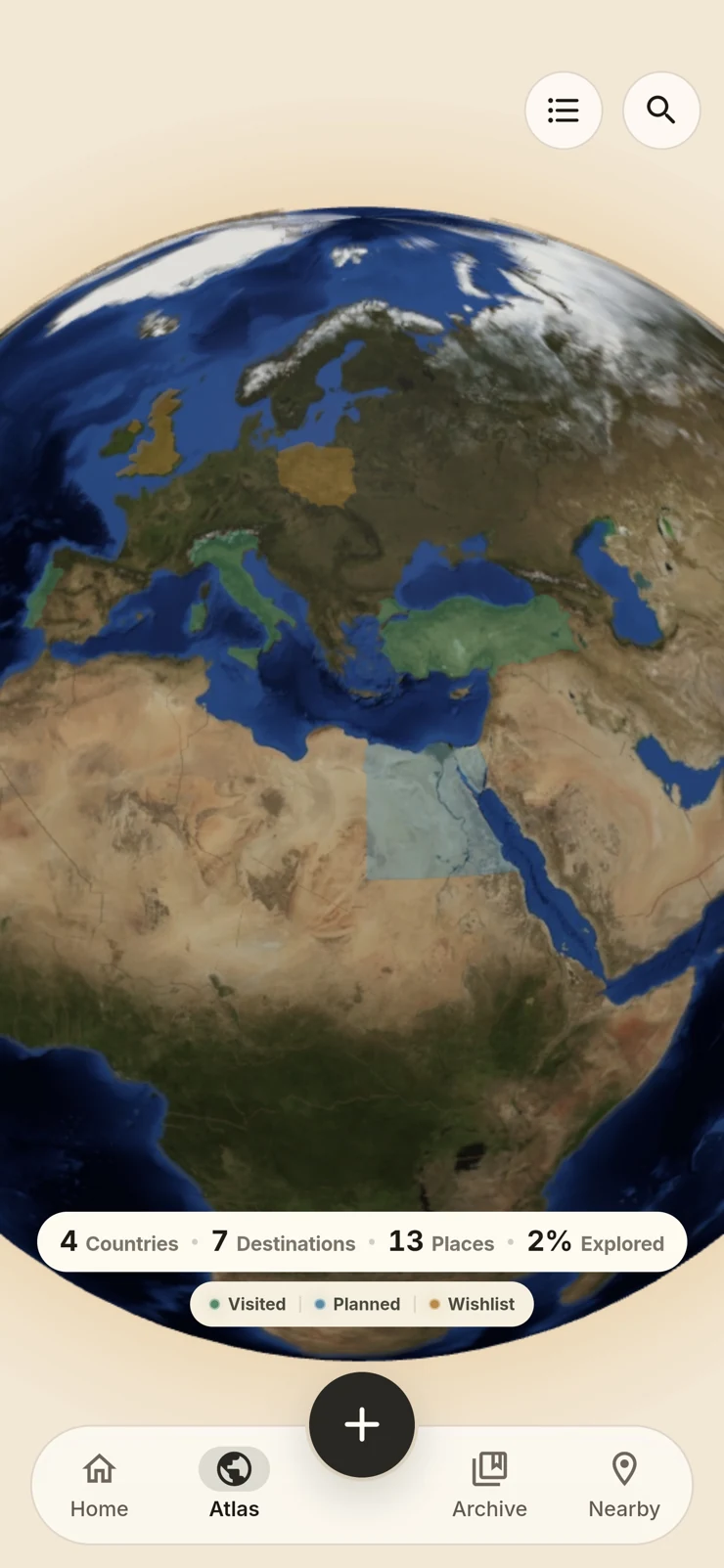
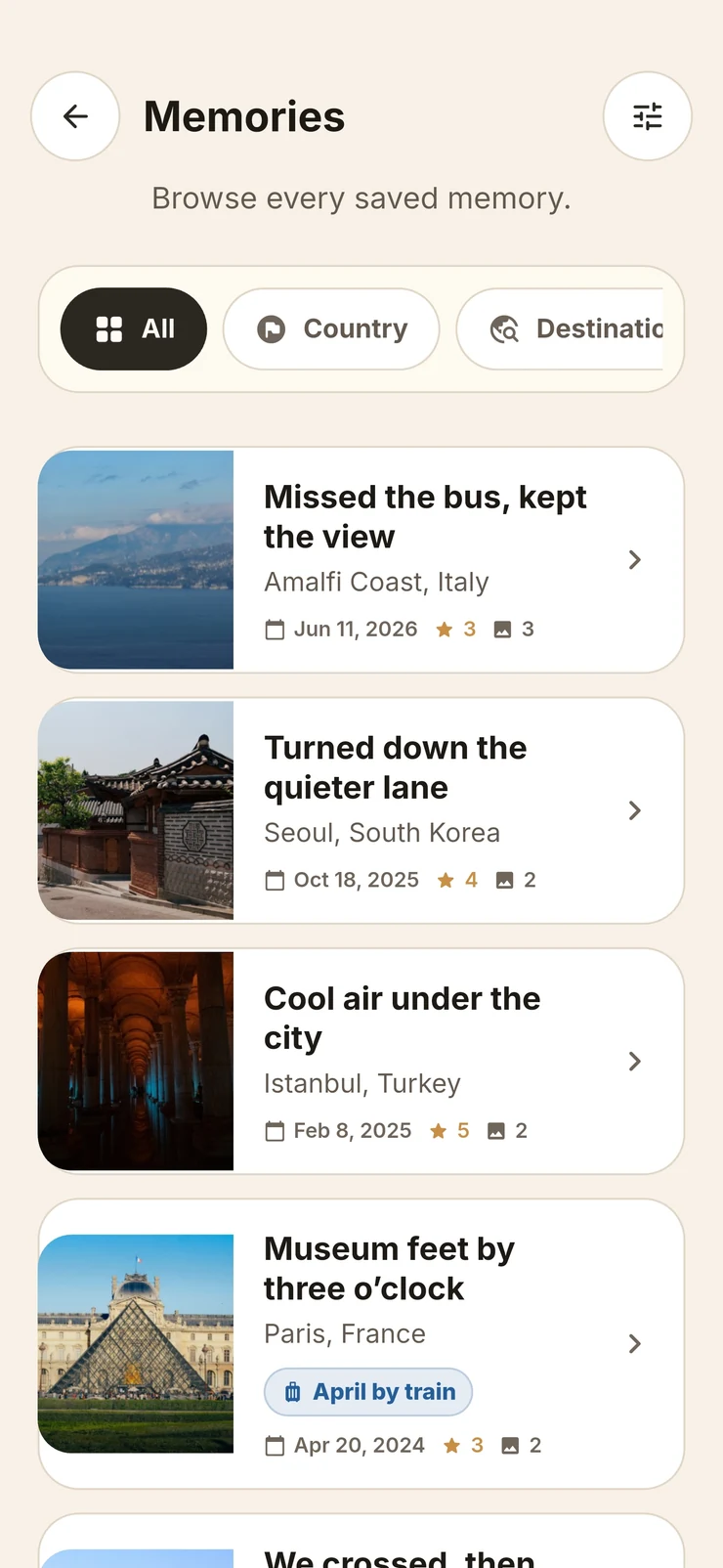
Create a Travel Book from your saved memories, then work on it in the editor. Review the pages, adjust the cover and text, and decide which photos to include. The finished pages are built from your own places, images and words.
That photo belongs on the next page.
Move a photo left or right within its page. Move it to the previous or next page when it belongs with a different set of images. You can change the order and grouping instead of accepting the first arrangement.
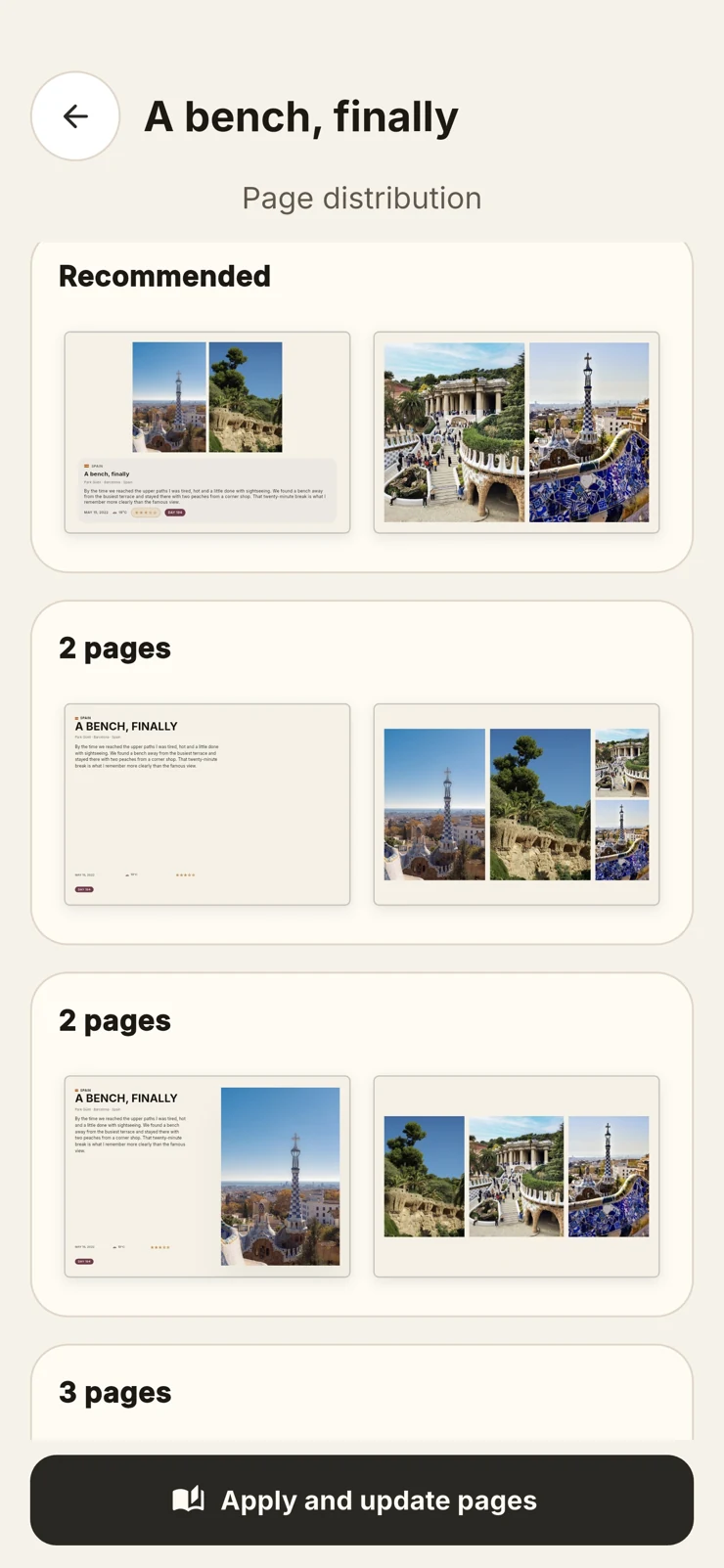
Different memories need different pages.
Explore compatible page layouts and photo distributions for each memory. Change how photos share a page and how they are spread across pages. The available arrangements depend on the images and content, so you choose from options that fit that memory.
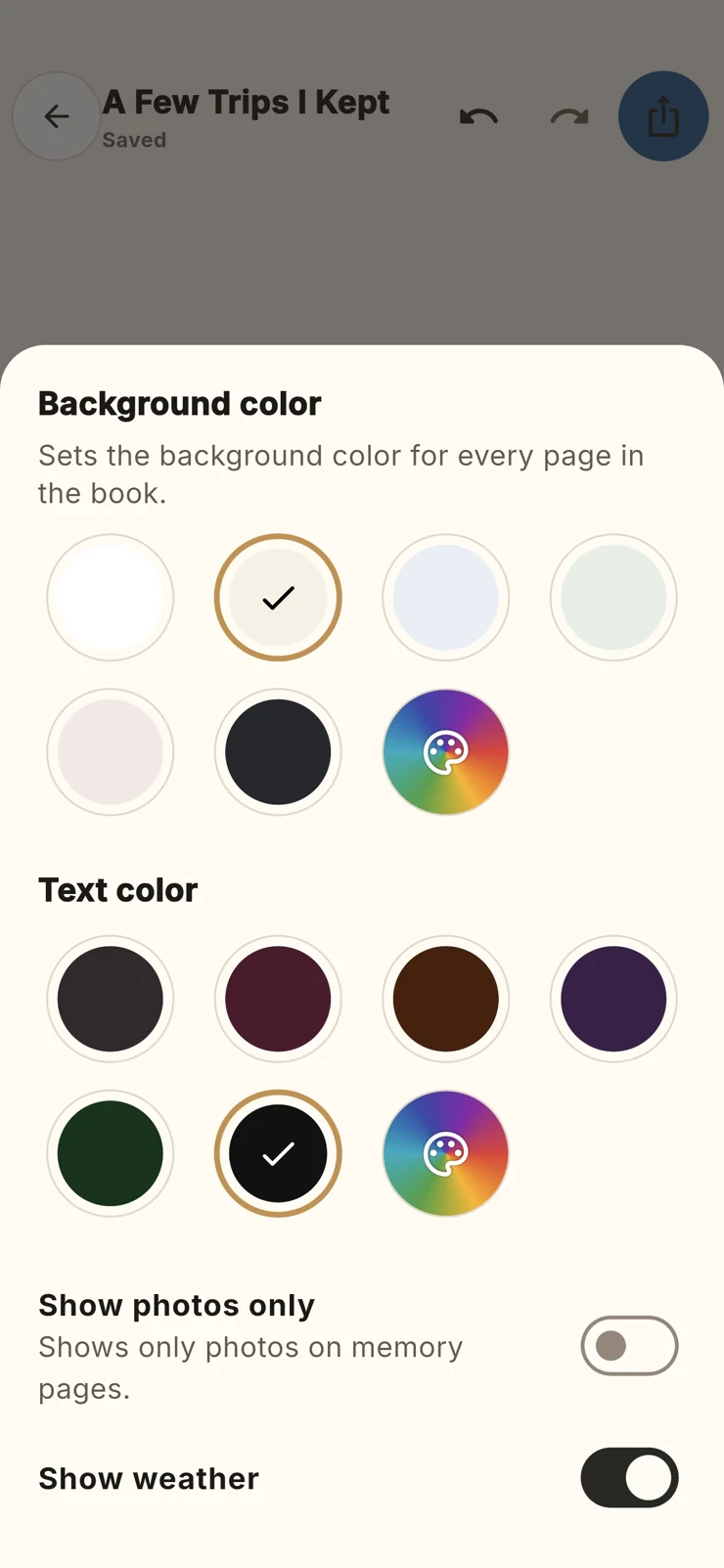
Choose the colours, down to the exact shade.
Set the page background and text colours, choose a palette or use a custom colour. Adjust the appearance until the book feels right for the trip. Colour is part of your editing choices, alongside the photos and page arrangement.
Keep a copy outside the app.
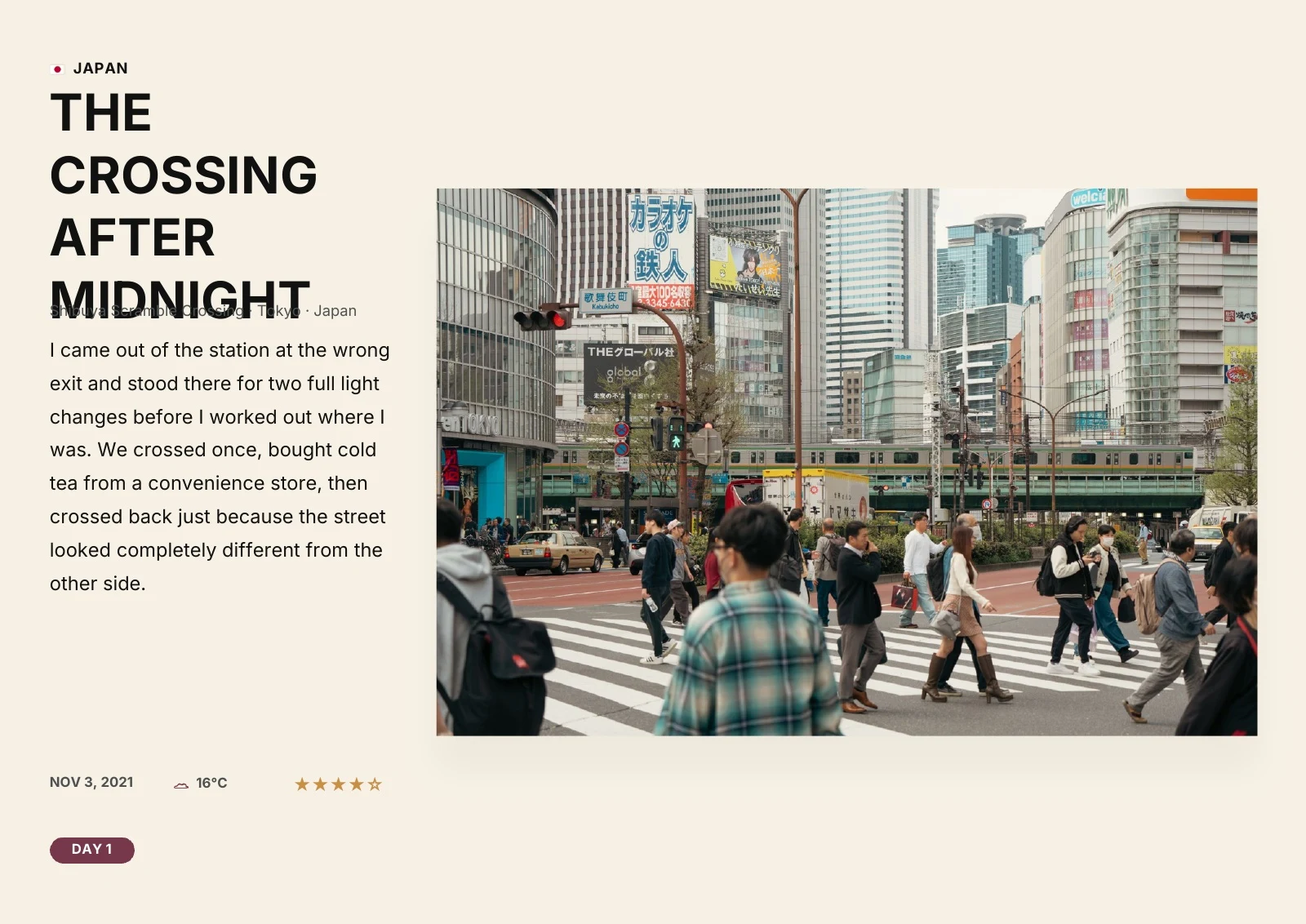
Export the finished Travel Book as a PDF to save or share. The sample below is a real Travel Archive export: its pages show the cover, atlas, journey summary and several memory layouts.
How to create a PDF travel book
Choose the memories for your book
Start from a trip, date range, place or selected saved memories. Check which photos and notes belong in the book before working on its pages.
Review and arrange the pages
Adjust the cover and text, move photos within or between pages, and choose compatible layouts. Set the background and text colours to suit your photos.
Export and check the PDF
Export the finished book as a PDF, then open the file to review the pages before sharing it. Keep a copy outside the app so you can return to the book later.
Creating and exporting a Travel Book is free. The result is a digital PDF; Travel Archive does not print or deliver physical books. The sample on this page is a real app export.
Is the travel book a PDF or a printed book?
You create and customize a digital book, then export it as a PDF to keep or share. Travel Archive does not offer a printing or delivery service.
Yes. Travel Archive is completely free, including creating and exporting PDF travel books.