Places
A place, and everything you kept there.
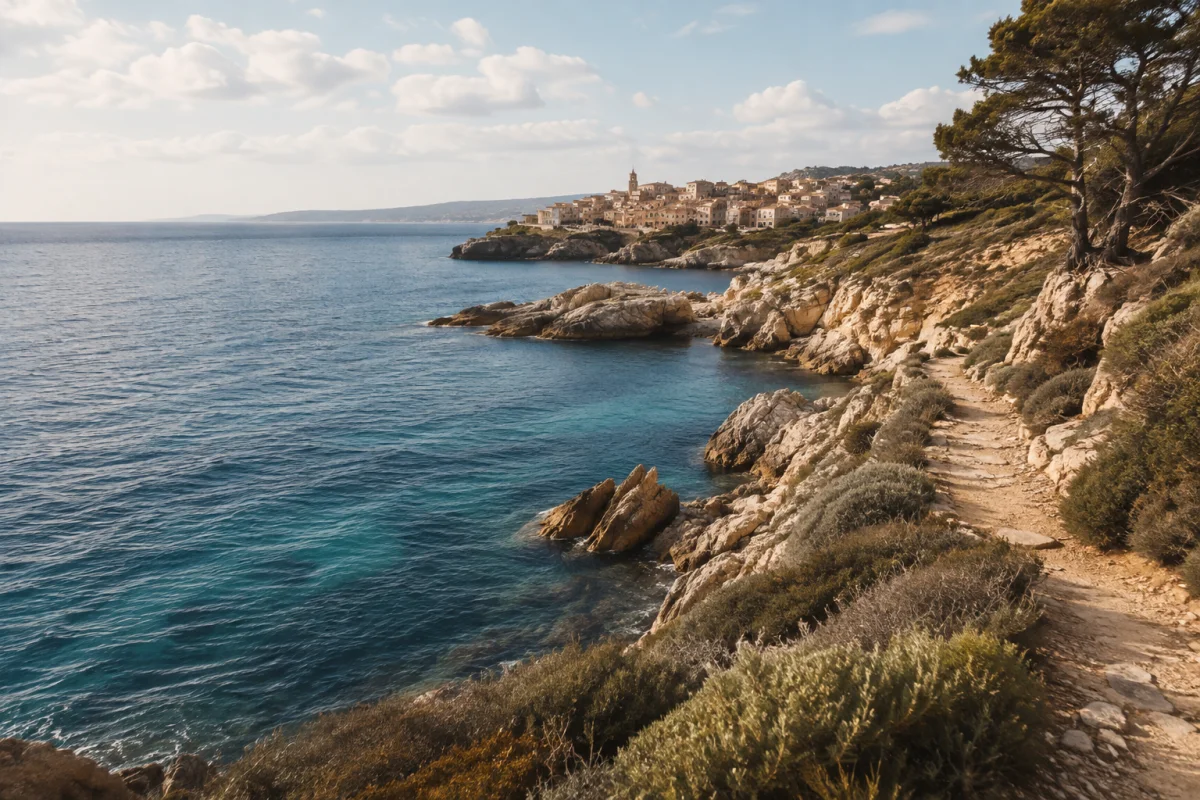
Open a place to read about it, mark a visit and find the memories you saved there. Your photos stay connected to the place where they happened.
Discover Nearby Places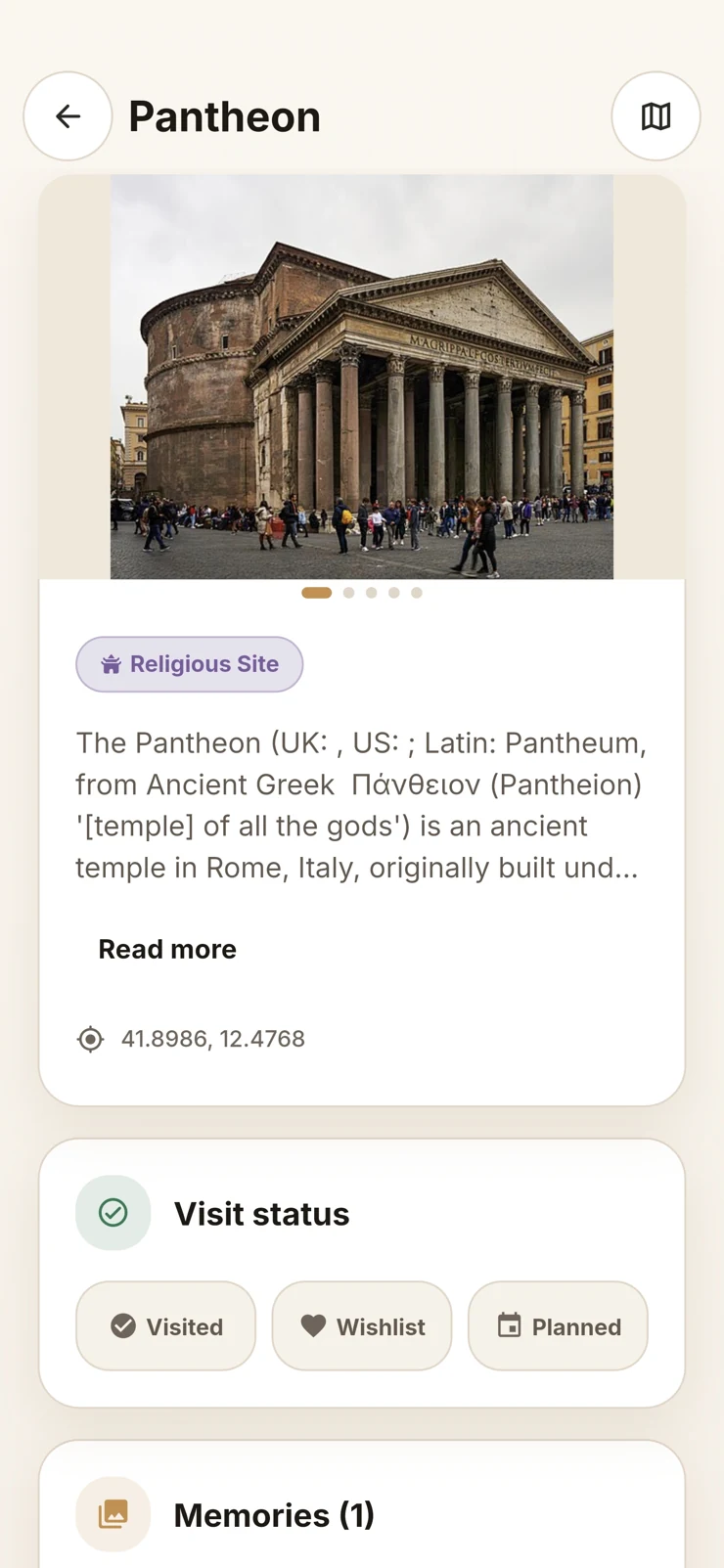
Photo Travel Journal & Map
See your visited places on a map. Build a travel journal with old photos and notes, then design your own travel book to save or share as a PDF.
Completely free · No account to create
From a place to a story
Start with last summer’s photos: add them to the places you visited, note what happened and choose the memories for your travel book.
YOUR WORLD
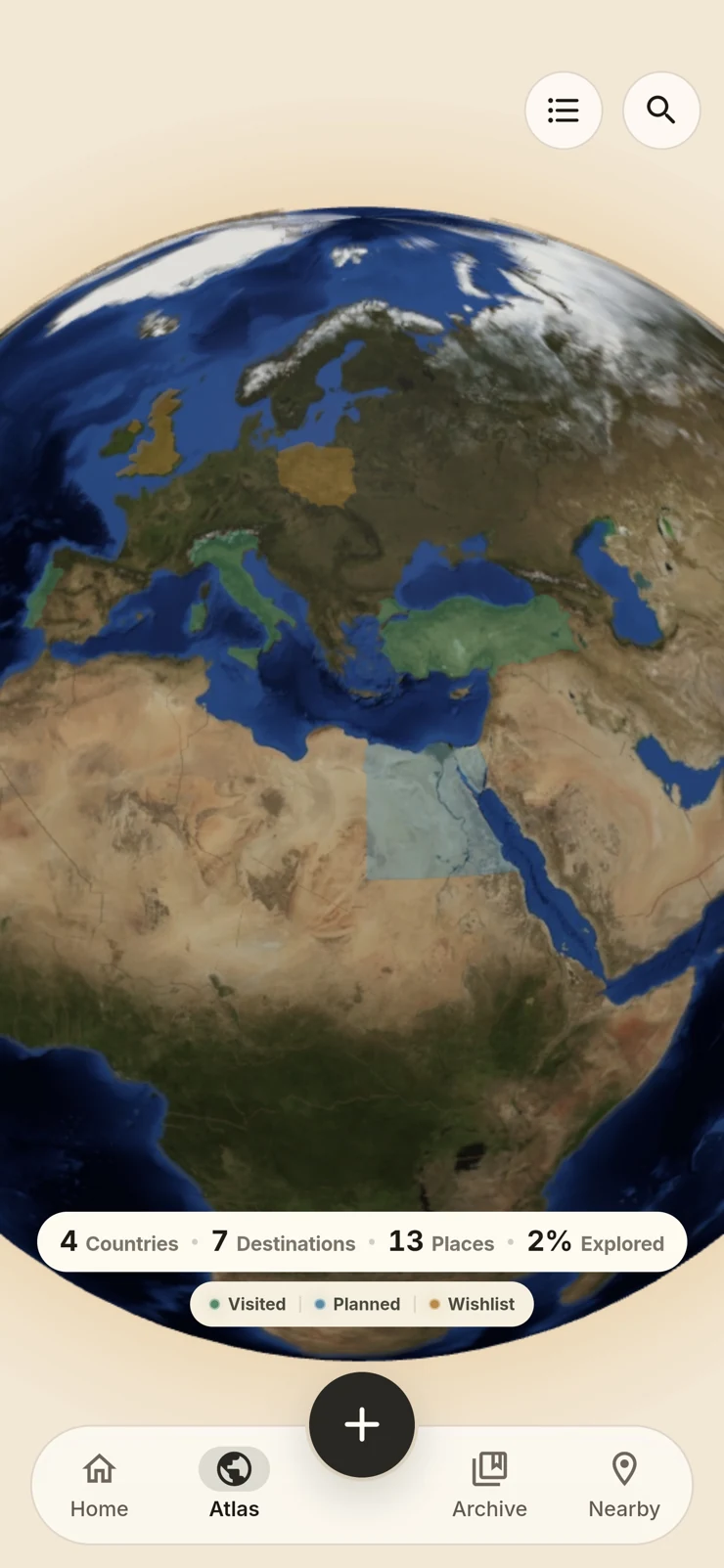
Your own atlas grows with the countries, destinations and places you mark visited. Keep an eye on what is next with planned places and a wish list.
Your Visited Countries & Travel Map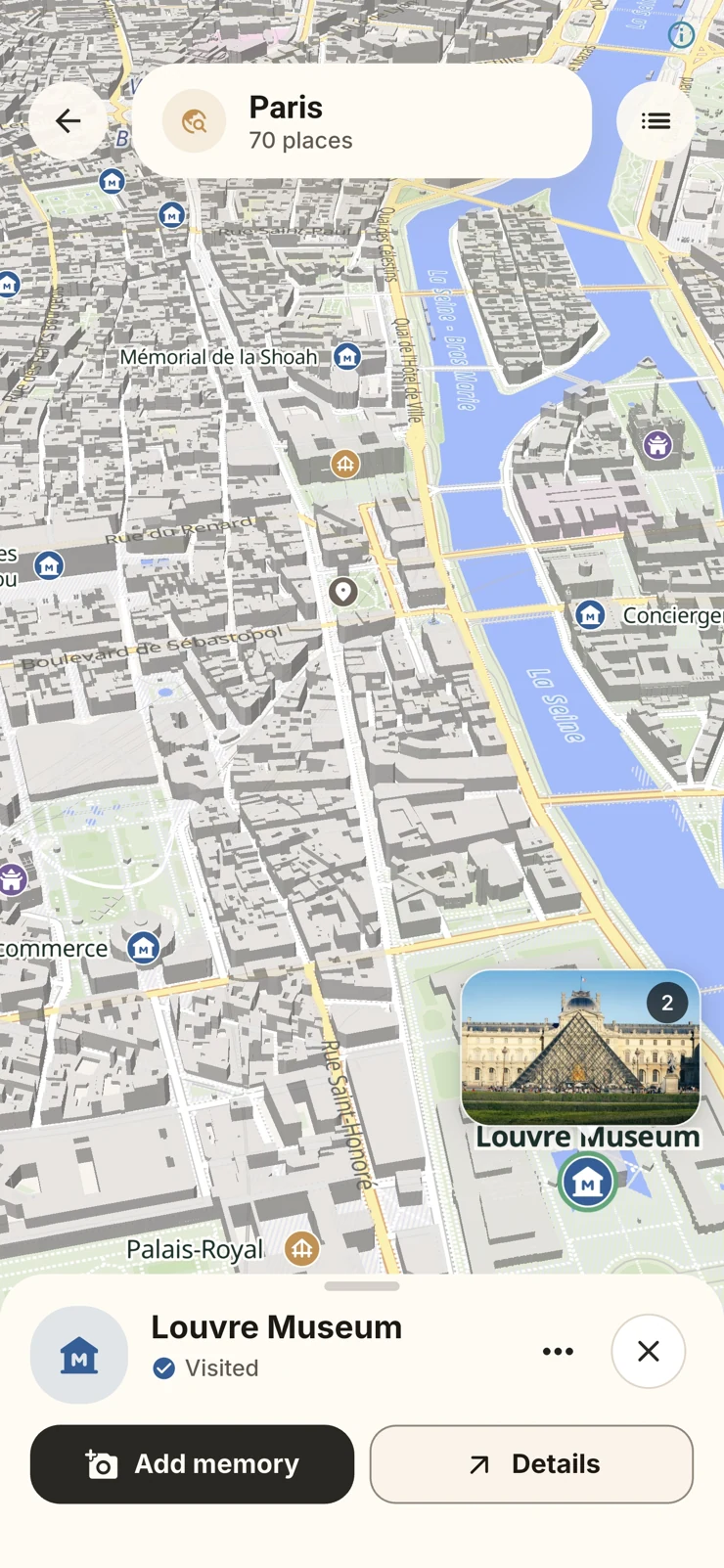
THE MOMENTS
Add a memory where it happened, or bring in older travel photos and confirm the place yourself. A date, a note and the images you love make it yours.
Organize Travel Photos on a Map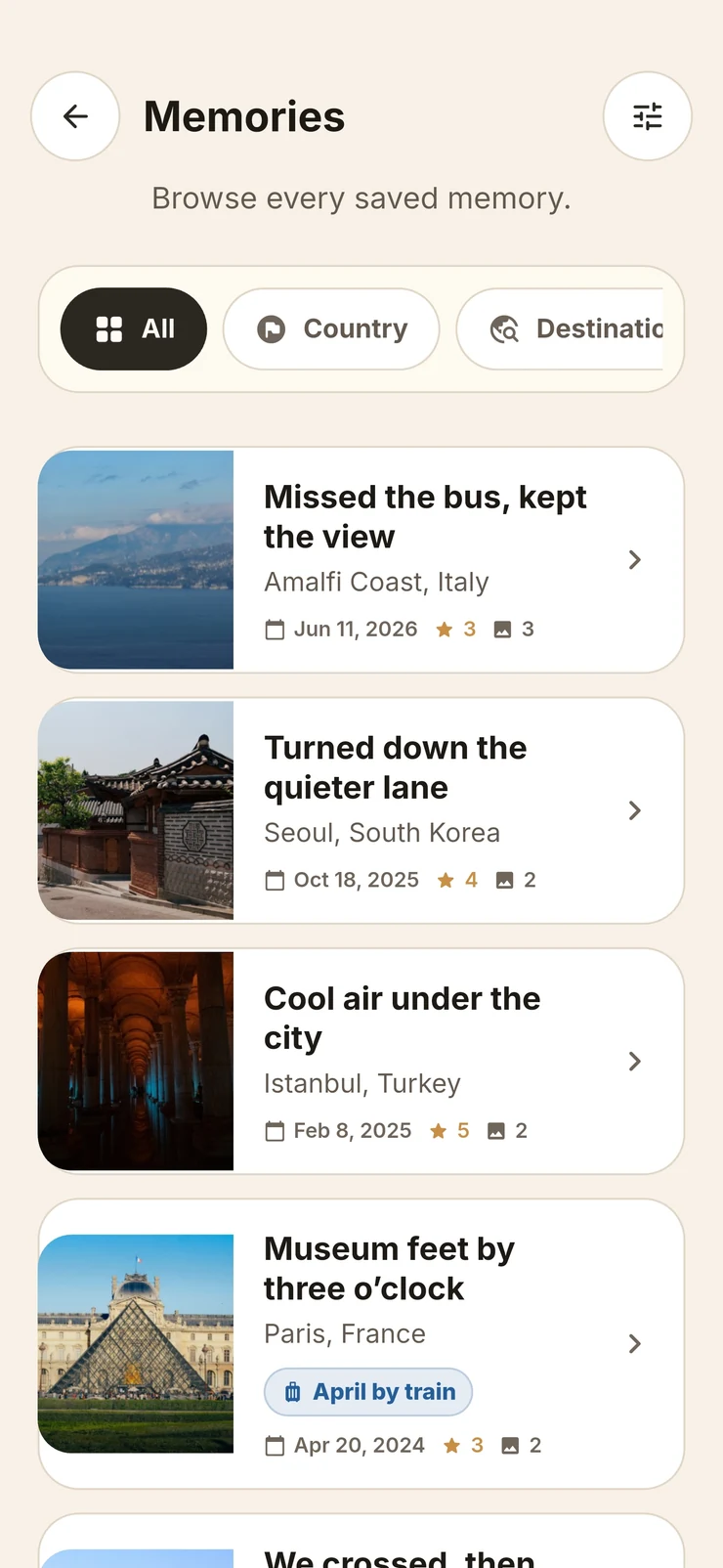
Travel Book
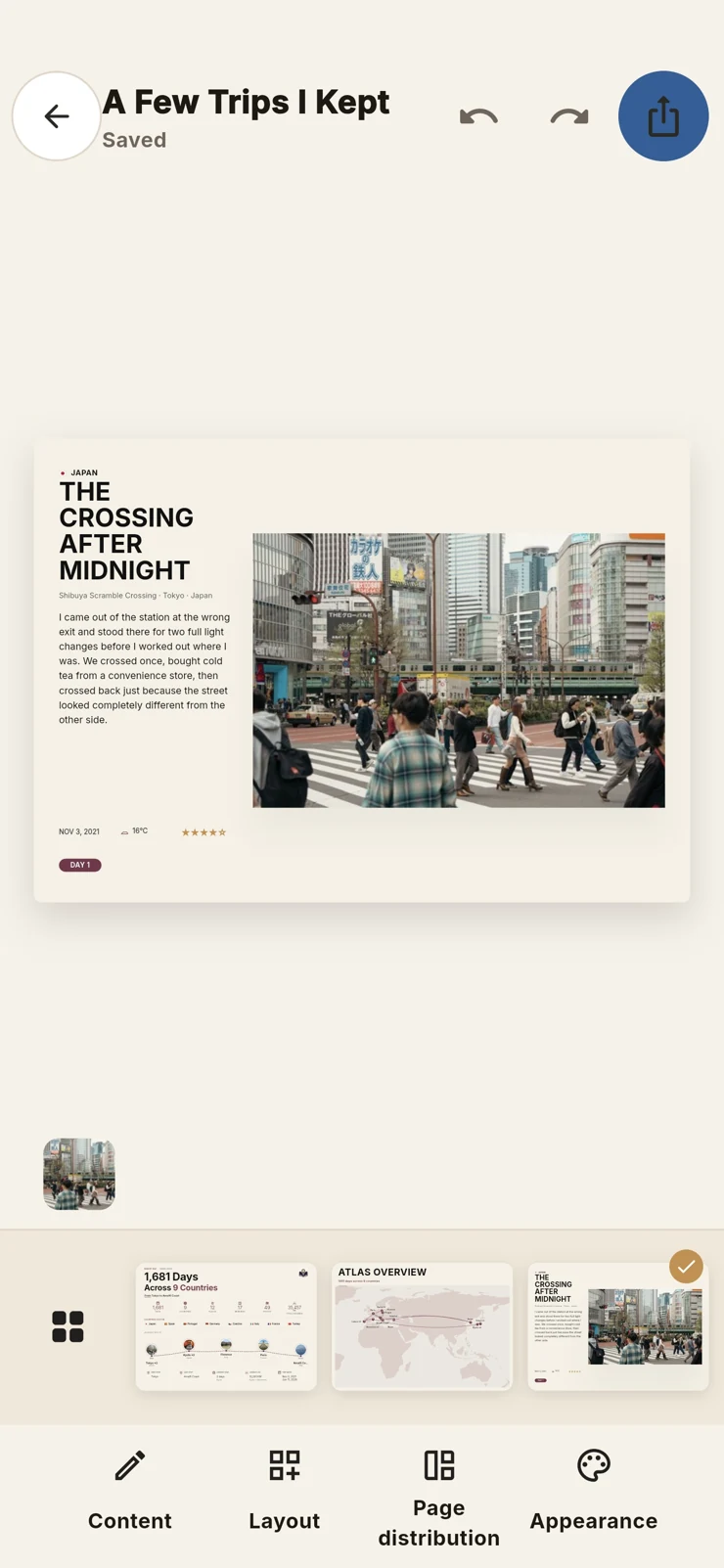
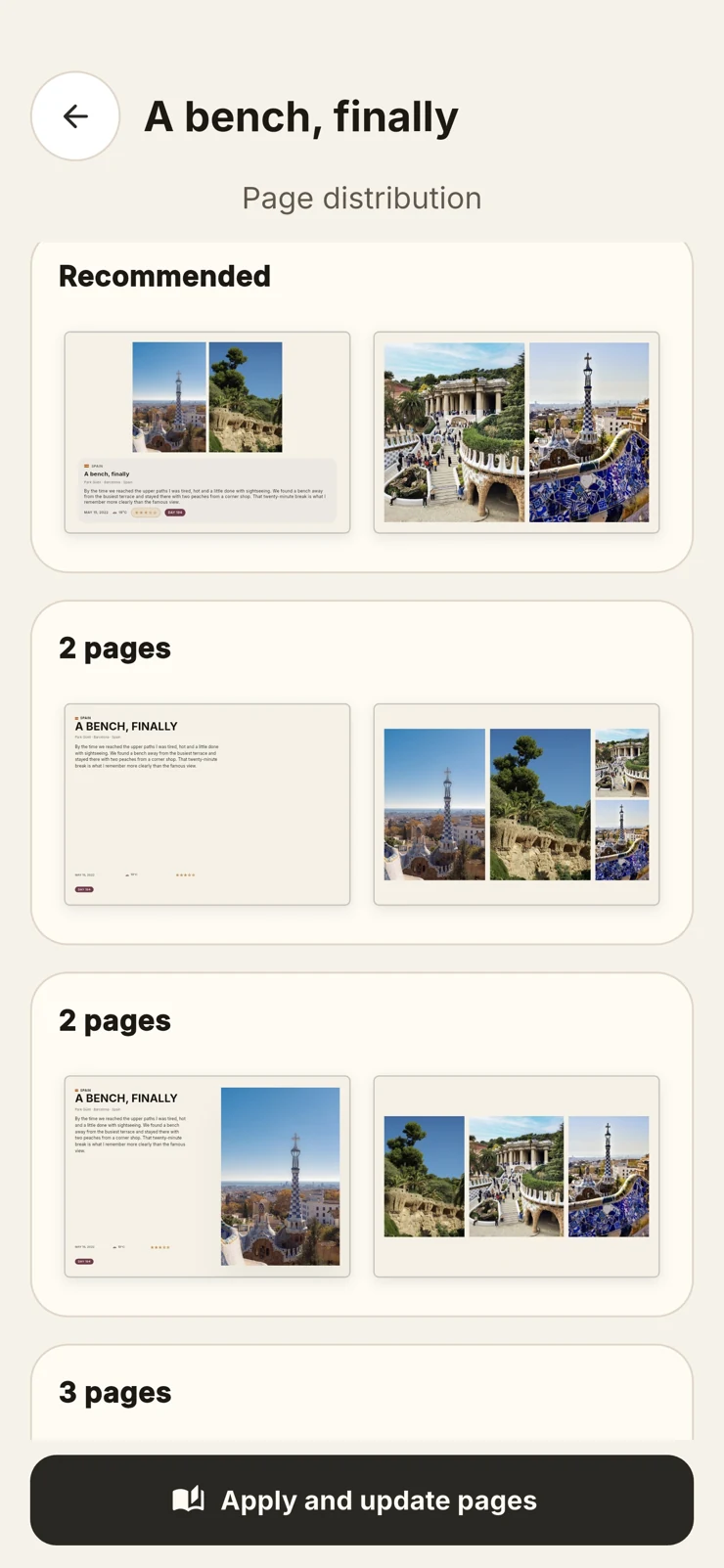
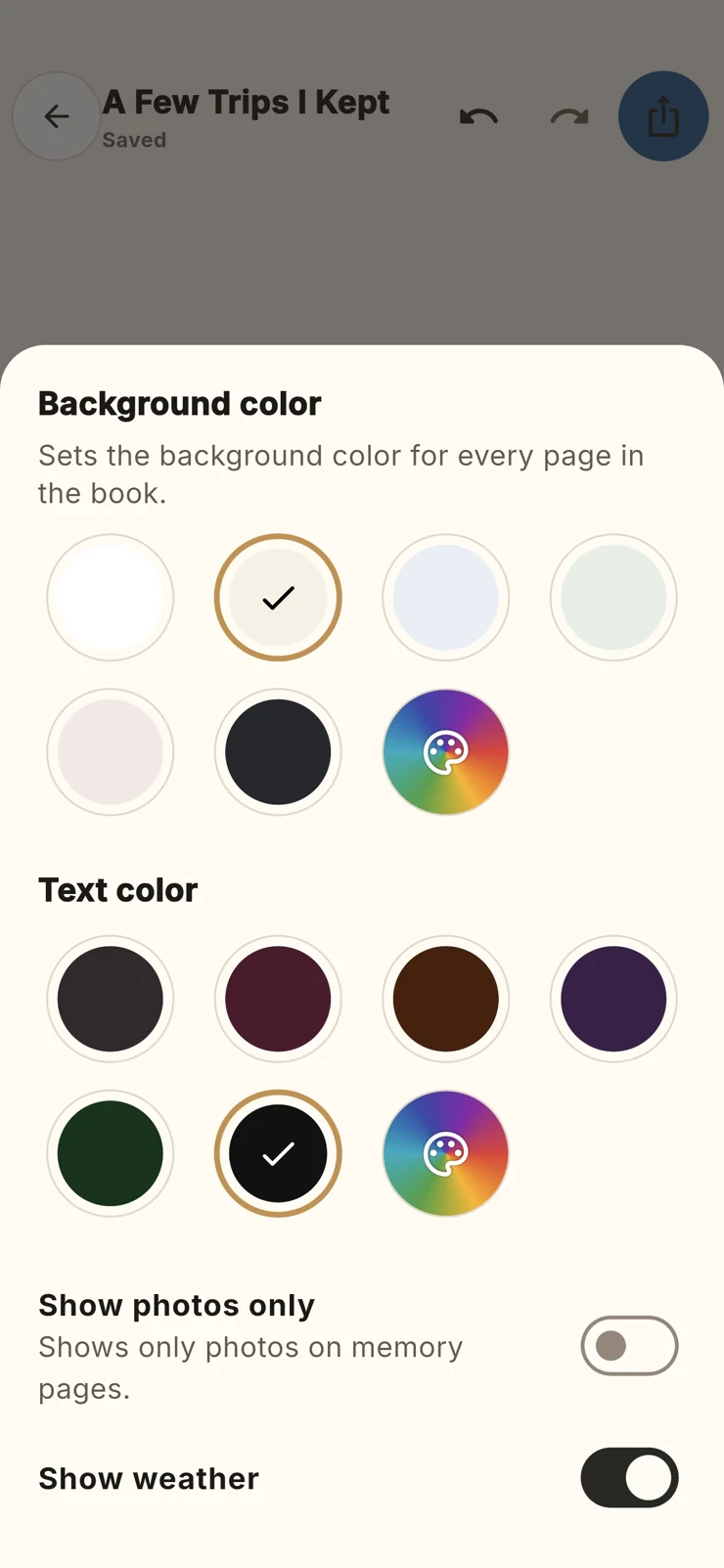
Bring a journey into a personal Travel Book. Choose how the pages are arranged, set its colors, then save or share the finished book as a PDF.

Move photos between pages. Adjust layouts and colors.
Create Your Own PDF Travel BookPlaces
Open a place to read about it, mark a visit and find the memories you saved there. Your photos stay connected to the place where they happened.
Discover Nearby PlacesNearby
Look around the map, find nearby places and learn a little before you go. Save a place for later, or mark a visit when it becomes part of your story.
Discover Nearby Places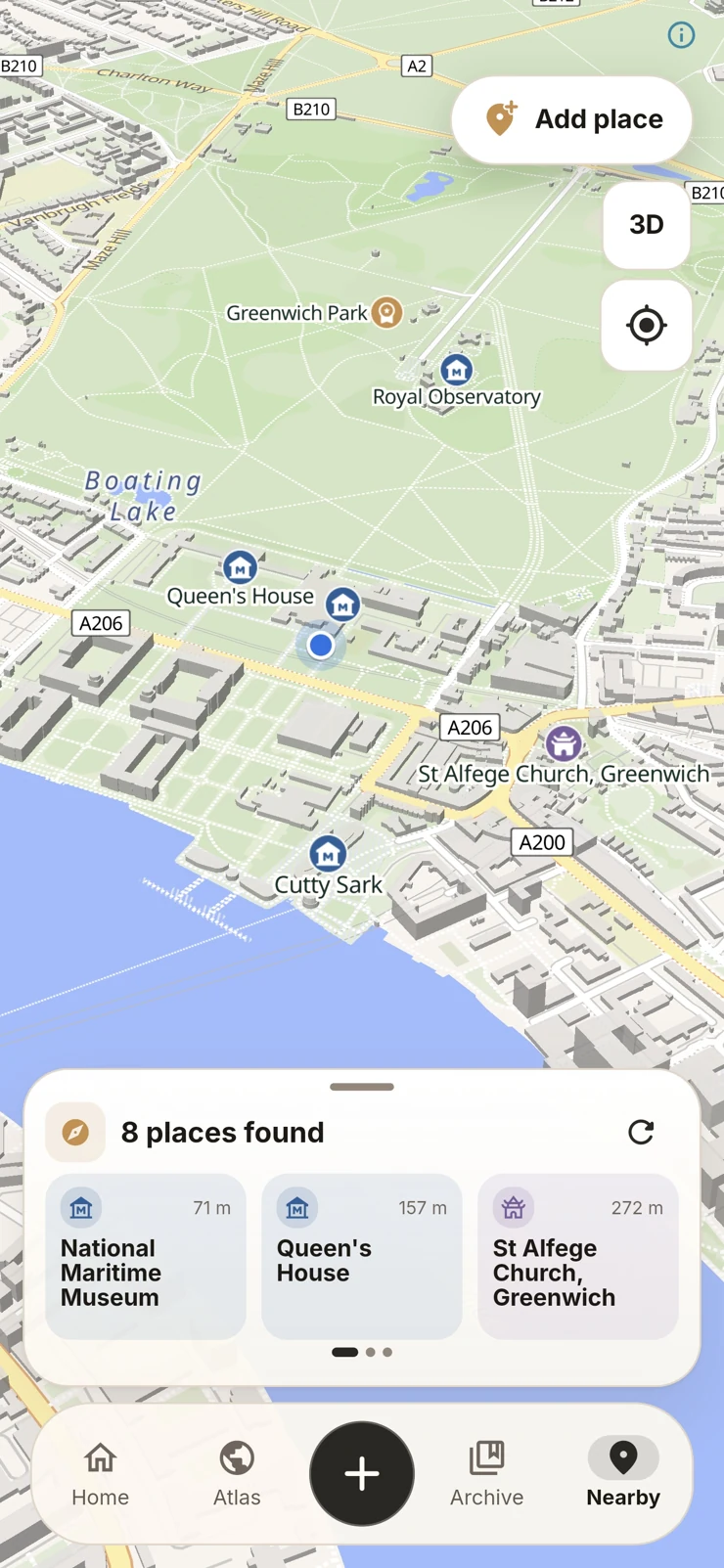
 Travel Archive
MADE FOR YOUR MEMORIES
Use Travel Archive without creating an account. Your memories and photos stay on your device; password-protected backups are made there too.
Yes. Travel Archive is completely free, including creating and exporting PDF travel books.
Travel Archive is completely free. Download it for iPhone on the App Store. Also available for Android on Google Play. Also available for iPad on the App Store.
Suggestions depend on the metadata in the photo. If location or date information is missing, review the suggestion and select the place or date manually. Check the photo access allowed in your device settings.
You create and customize a digital book, then export it as a PDF to keep or share. Travel Archive does not offer a printing or delivery service.
Create a manual encrypted backup in the app’s backup settings. Keep the file and its password somewhere safe. We cannot recover a lost backup password or restore an archive we do not hold.
Saved memories and downloaded destination maps are available offline. New maps, place information and weather requests need an internet connection.